Give your agent
the creator internet.
Give your agent public Instagram, YouTube and LinkedIn data.
From a simple question to structured answers, in your existing workflow.
 Claude Code
 Codex
Set up CreatorsAPI using https://creatorsapi.com/installPaste this into your agent’s chat. It will guide you through connecting your account.
Bring your API key. The guided installer saves it privately on your computer. Setup details ↗
 CreatorsAPIMCP + REST

Explore public profiles, posts, reels and conversations.

YouTube
Research channels, videos, Shorts and audience conversations.

Bring public professional profiles, companies and posts into context.
Coverage varies by endpoint. Explore available tools and field coverage
Let your agent do
the research.
Stay in the conversation. Your agent can choose an available tool, retrieve the public data and help you make sense of it.
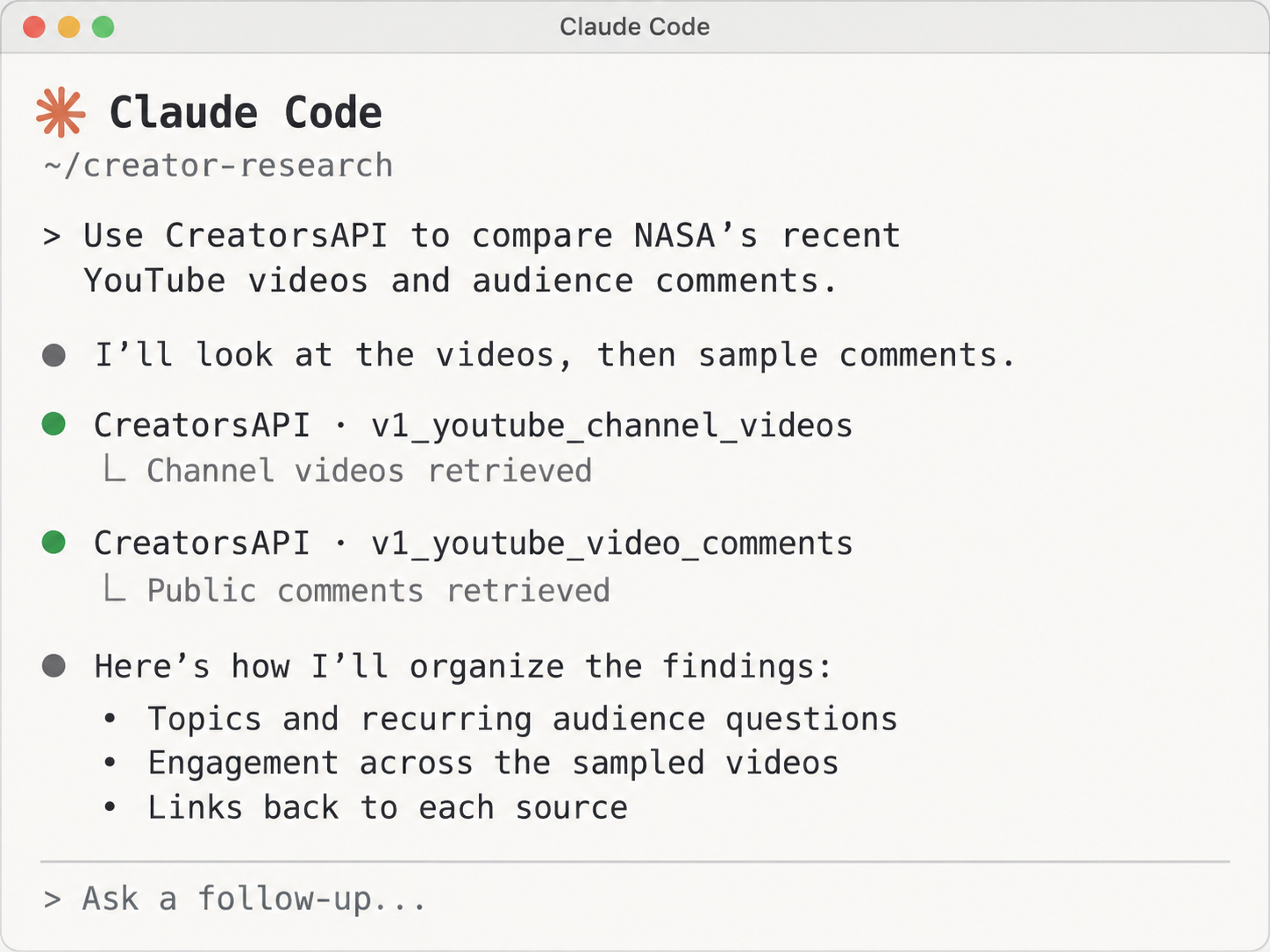
Build your next workflow
from a conversation.
One account for your agents, automations and applications.
Set up with your agent
Give Claude Code or Codex the setup prompt. Follow a guided install with a hidden API-key prompt.
Copy the setup prompt →Connect an MCP client
Use the local MCP server with compatible clients. Discover endpoints and call tools from your workflow.
View MCP setup →Build with the API
Use familiar HTTP requests, an API key and structured JSON in your app or automation.
Open the API docs →Buy credits when you need.
Keep them until you do.
One-time purchases, with no subscription. Purchased credits never expire. Most successful requests use one credit.
Pay once and use your credits whenever you need them.
USD. Each endpoint documents its credit cost. Cached responses have the same cost as fresh requests; failed API requests cost zero. Read the credit policy →
A few answers
before you start.
Put creator data
in your agent’s hands.
Connect once, then ask your next question.